
Order Lookup
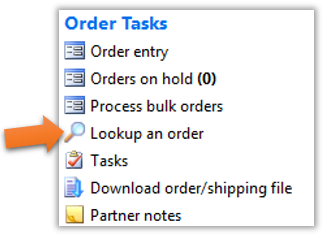
- To look up an order, click on the “Look up an order” link under the Order Tasks header on the VendorBridge homepage, as shown below.
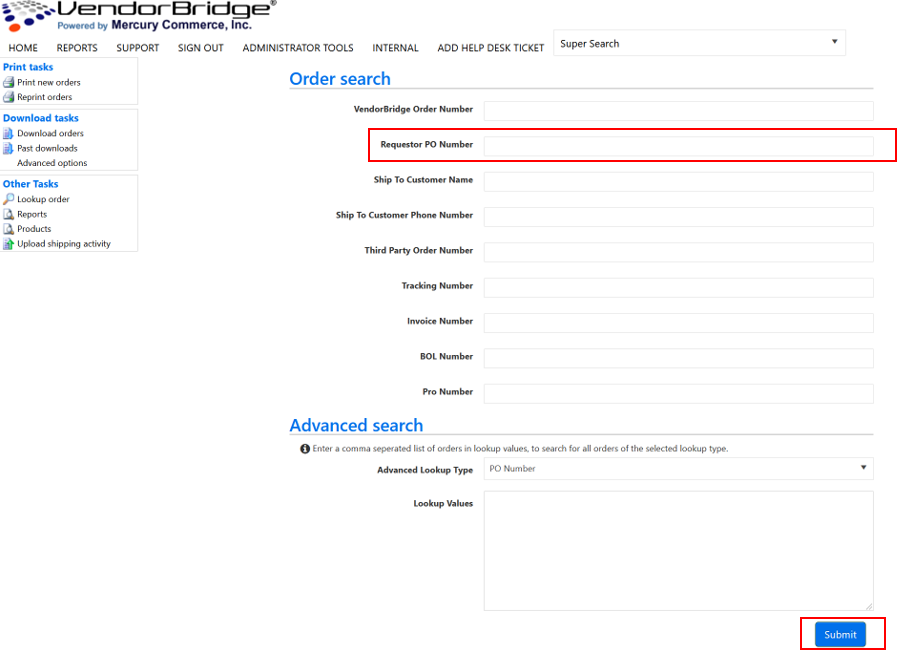
- There are multiple parameters by which you can search. The best fields to use for the search are typically the “VendorBridge Order Number” or “Requestor PO Number”. Fill in one of any of the fields and then click “Submit”, as shown below.
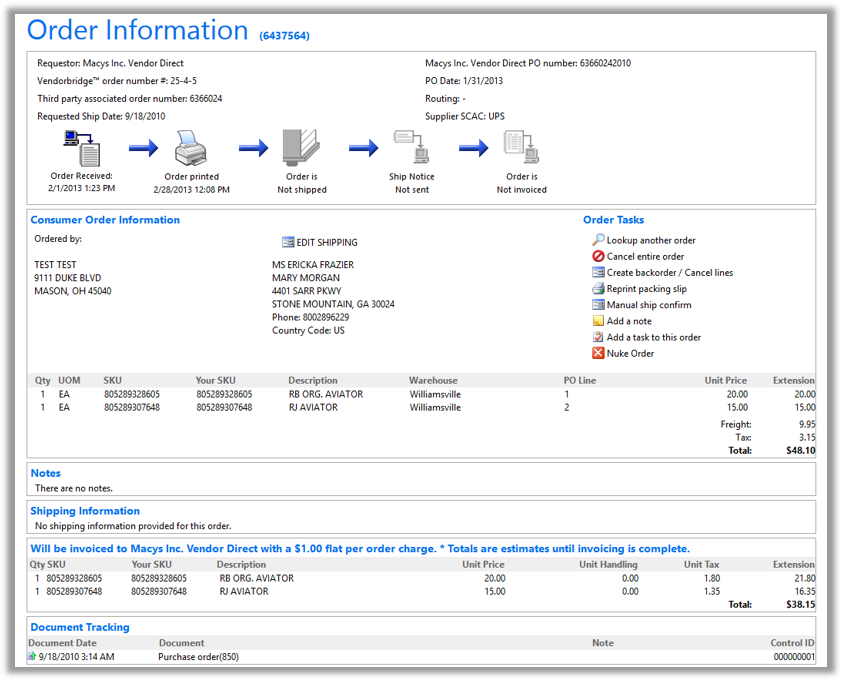
- If your search was successful, you will automatically be brought to the Order Information page that contains all of the information relevant to the order in question, as shown below.
Still stuck?
Tell us what you tried and we will take it from there. We will know which article you were reading.