
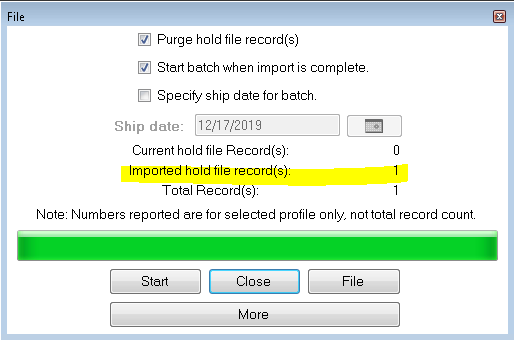
- After you start the purge, when its done you will notice Import Hold File Record. If a label is on hold, you will see it there. Select close and go to the next step to fix this label.
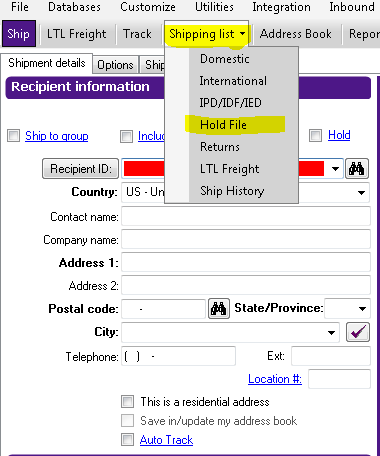
- Select (Shipping List) also select (Hold file).
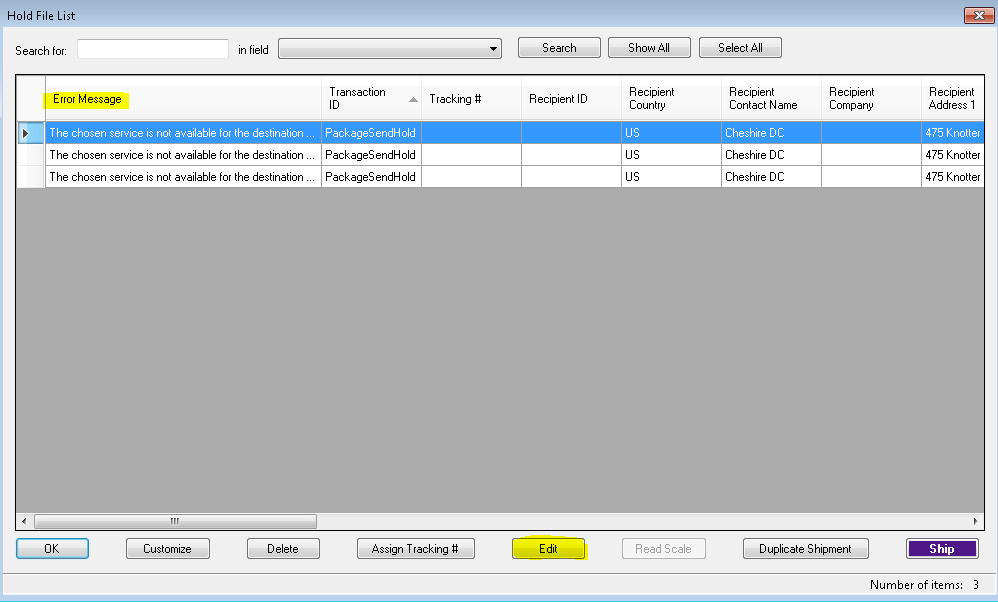
Select your package and click (Edit)- Select Error Message to find out what cause this error.
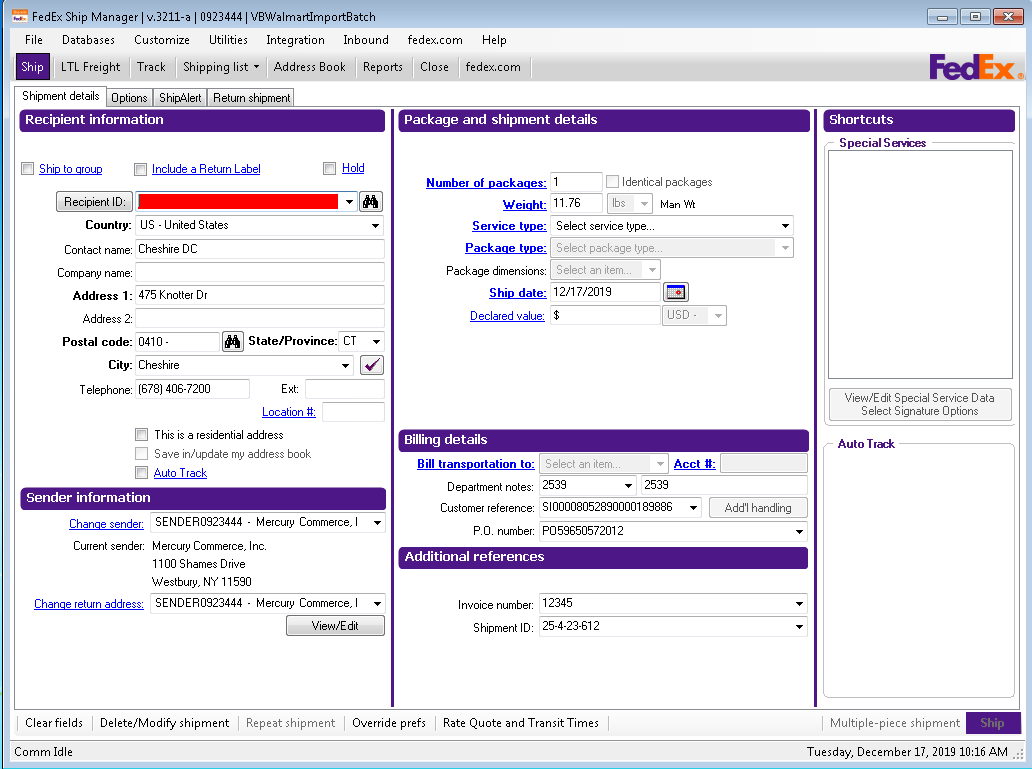
Fill in the missing information needed. The Missing information is in the hold file list see step 3 for reference.
Still stuck?
Tell us what you tried and we will take it from there. We will know which article you were reading.